Have you ever copied an invisible character into a website, only to find that it disappeared after you clicked Submit? This happens more often than many people realize. While invisible characters are valid Unicode characters, not every website allows them.
Some websites accept invisible characters without any issues. Others automatically remove them or reject the entire input. This behavior depends on the website’s security rules, text validation, and spam protection.
In this guide, you’ll learn when websites block invisible text and characters, why they do it, which types of websites are most likely to filter them, and what you can do if an invisible character isn’t working.
What Are Invisible Characters?
Invisible characters are Unicode characters that have no visible appearance but still exist within text. Unlike regular letters or spaces, they don’t display on the screen. However, computers and websites can still recognize them.
Some common invisible characters include:
- Zero Width Space (U+200B)
- Zero Width Non-Joiner (U+200C)
- Zero Width Joiner (U+200D)
- Word Joiner (U+2060)
These characters are commonly used for language support, emoji creation, text formatting, and other Unicode functions.
Why Do Websites Block Invisible Characters?
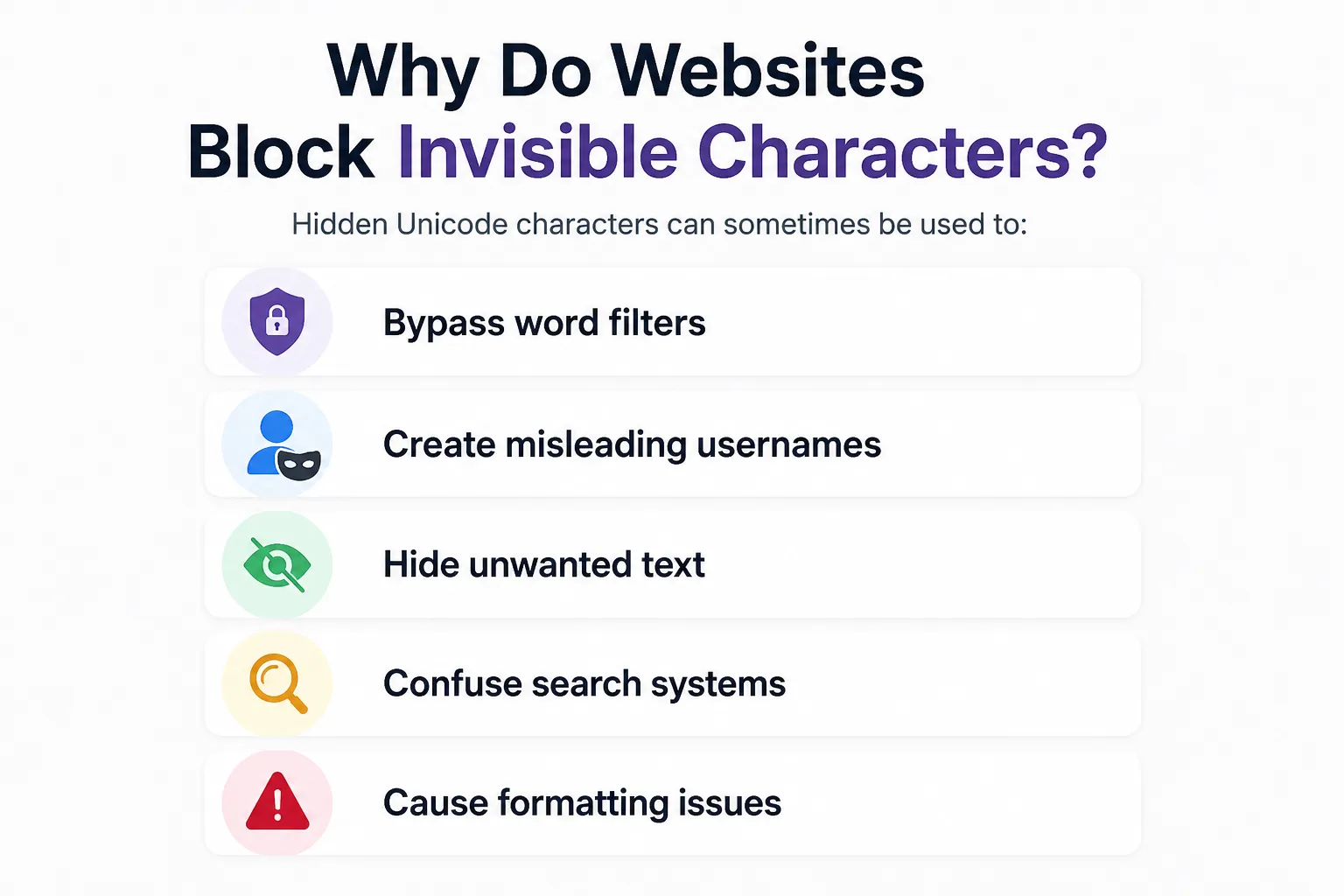
Most websites block invisible characters to improve security, prevent abuse, and keep user data clean.
Hidden Unicode characters can sometimes be used to:
- Bypass word filters
- Create misleading usernames
- Hide unwanted text
- Confuse search systems
- Cause formatting issues
Blocking these characters helps websites reduce spam and improve the user experience.
When Are Invisible Characters Usually Blocked?
Not every website treats invisible characters the same way.
Here are the most common situations where they may be blocked.
Many websites remove invisible characters from:
- Usernames
- Email addresses
- Password recovery fields
This helps prevent duplicate accounts and hidden text.
Payment and Banking Pages
Financial websites often apply strict validation.
Invisible characters may be rejected in:
- Payment forms
- Billing information
- Cardholder names
- Transaction details
This reduces input errors and helps protect sensitive information.
Government Websites
Government portals often accept only clearly formatted text.
Hidden Unicode characters may be removed automatically during validation.
Search Boxes
Search engines and website search tools may ignore invisible characters.
In many cases, they simply remove them before processing the search.
Many blogs and forums filter hidden Unicode characters to reduce spam and fake engagement.
Username Fields
Some platforms allow invisible characters in usernames, while others reject them completely.
Support varies by website.
Contact forms, registration forms, and surveys often clean pasted text before submission.
Invisible characters may disappear during this process.
How Do Websites Detect Invisible Characters?
Websites use different techniques to identify hidden Unicode characters.
Common methods include:
- Input validation
- Unicode filtering
- Text sanitization
- Server-side processing
- Security rules
- Spam detection systems
These checks happen automatically before your text is saved.
Signs That a Website Blocked an Invisible Character
You may notice one of these signs:
- The character disappears after pasting.
- The form reports an invalid input.
- The username is rejected.
- The text looks different after submission.
- Character counts change unexpectedly.
These are good indicators that the website filtered the invisible character.
Can You Prevent a Website From Blocking Invisible Characters?
Usually, no. If a website removes invisible Unicode characters, it is following its own rules. You cannot force the website to accept hidden characters without violating its intended behavior. The best approach is to respect the platform’s requirements and use invisible characters only where they are supported.
Which Websites Commonly Support Invisible Characters?
Support changes over time, but invisible characters may work in some:
- Messaging apps
- Note-taking apps
- Text editors
- Certain social media features
- Some gaming platforms
Even within the same platform, one feature may accept invisible characters while another blocks them.
Testing is the only reliable way to know.
Why Does an Invisible Character Work on One Website but Not Another?
Each website creates its own input rules.
- Accept all Unicode characters.
Another may:
- Remove zero-width characters.
- Allow only visible text.
- Block blank-looking input.
- Filter hidden Unicode before saving.
This is why results differ from one website to another.
Benefits of Blocking Invisible Characters
Blocking hidden Unicode characters can help websites:
- Reduce spam
- Prevent fake usernames
- Improve search accuracy
- Keep databases cleaner
- Improve security
- Reduce formatting problems
For website owners, these checks often improve reliability.
Limitations of Blocking Invisible Characters
Filtering invisible characters is useful, but it has drawbacks.
Some legitimate uses may also be affected, such as:
- Language-specific text formatting
- Certain Unicode writing systems
- Emoji sequences
- Accessibility-related formatting
Because of this, many websites block only selected invisible characters instead of all Unicode characters.
Frequently Asked Questions
Why do websites remove invisible characters?
Many websites filter hidden Unicode characters to prevent spam, improve security, and keep user data consistent.
Are invisible characters illegal?
No. Invisible characters are valid Unicode characters. Whether they are accepted depends on the website’s rules.
Can I force a website to accept invisible characters?
No. If a website blocks them, there is no legitimate way to make it accept hidden characters.
Why do invisible characters work in some apps but not others?
Every application has different validation rules. Some support hidden Unicode, while others remove it.
Do browsers block invisible characters?
Most browsers support Unicode. In many cases, the website---not the browser---is responsible for filtering invisible characters.
Can invisible characters affect search results?
Search engines often ignore or remove invisible characters during indexing and query processing.
Are invisible characters safe?
Yes. They are part of the Unicode Standard. However, they should be used responsibly and only for legitimate purposes.
How can I test if a website blocks invisible characters?
Paste the invisible character into a text field, submit it, and then check whether it remains. You can also compare the character count before and after submission.
Conclusion
Websites block invisible characters for many reasons, including security, spam prevention, and data validation. While these Unicode characters are valid, every platform decides whether to accept or remove them. That is why an invisible character may work perfectly on one website but disappear on another.