Have you ever copied text from a webpage and discovered extra words that you couldn’t see? Or noticed that some websites contain information hidden from visitors? This is known as hidden text. It can be used for helpful reasons, such as improving accessibility or controlling how content appears on a page. However, it has also been misused to hide keywords or information from users.
Understanding hidden text is important whether you’re a website owner, content creator, student, or simply curious about how websites work. In this guide, you’ll learn what hidden text is, how it works, where it’s used, when it’s appropriate, and when it can become a problem.
What Is Hidden Text?
Hidden text is any text that exists in a webpage, document, or digital file but is not immediately visible to the person viewing it.
The text is still part of the content and can often be detected by browsers, software, screen readers, or search engines.
Hidden text can appear in different ways, including:
- Invisible Unicode characters
- HTML and CSS styling
- Collapsible sections
- Hidden form fields
- Metadata
- Accessible labels for screen readers
Not all hidden text is harmful. Its purpose depends on how it is used.
How Does Hidden Text Work?
Hidden text remains stored in the webpage or document, even if users cannot see it.
Developers can hide text by:
- Using CSS properties
- Placing text inside hidden HTML elements
- Using Unicode characters with no visible width
- Showing content only after a user clicks or interacts with a page
Although the text may be hidden visually, it can still exist in the page’s source code or document structure.
Why Is Hidden Text Used?
Hidden text has both practical and technical uses.
Common reasons include:
- Improving accessibility
- Supporting screen readers
- Storing hidden form values
- Creating expandable content
- Formatting text
- Displaying information only when needed
These uses improve the user experience without adding unnecessary clutter to the page.
Types of Hidden Text
There are several forms of hidden text.
Invisible Unicode Characters
Invisible Unicode characters have no visible appearance but remain part of the text.
Examples include:
- Zero Width Space
- Zero Width Joiner
- Zero Width Non-Joiner
These characters are often used for formatting and language support.
Hidden HTML Elements
Developers may hide text using HTML and CSS.
For example, content can remain hidden until a visitor clicks a button or opens a menu.
Collapsible Content
Frequently Asked Questions (FAQs), product descriptions, and help sections often use expandable content.
The text is hidden at first but becomes visible after user interaction.
Screen Reader Text
Some text is hidden visually but remains available to screen readers.
This helps people with visual impairments understand buttons, icons, and page navigation.
Where Is Hidden Text Used?
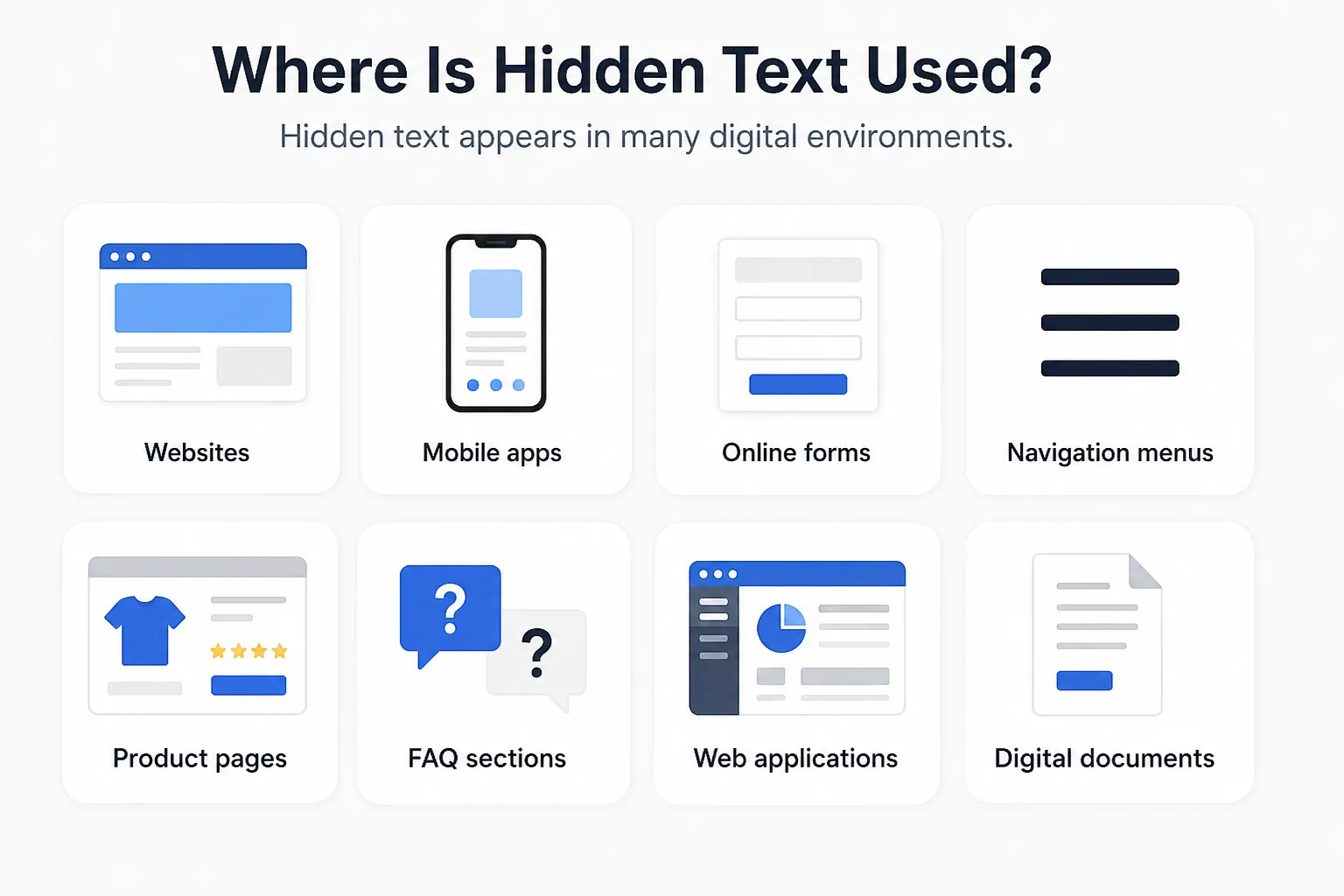
Hidden text appears in many digital environments.
Examples include:
- Websites
- Mobile apps
- Online forms
- Navigation menus
- Product pages
- FAQ sections
- Web applications
- Digital documents
Most users interact with hidden text every day without realizing it.
Is Hidden Text Good or Bad?
The answer depends on how it is used.
Good Uses
Hidden text is considered appropriate when it:
- Improves accessibility
- Makes navigation easier
- Organizes long pages
- Supports responsive design
- Stores technical information
These uses benefit visitors without misleading them.
Bad Uses
Hidden text becomes a problem when it is used to:
- Hide keywords from visitors
- Mislead search engines
- Stuff pages with unnecessary text
- Deceive users
Search engines discourage deceptive hidden text because it creates a poor experience.
Hidden Text vs Invisible Text
| Feature | Hidden Text | Invisible Text |
|---|
| Visible on screen | Usually no | No |
| May appear after interaction | Yes | No |
| Uses Unicode characters | Sometimes | Usually |
| Used in web design | Yes | Sometimes |
| Used for accessibility | Yes | Limited |
| Can exist in HTML | Yes | Yes |
Conclusion
Hidden text is text that exists within a webpage or digital document but is not immediately visible to users. It plays an important role in accessibility, interactive web design, and technical processes. When used thoughtfully, it improves the user experience without adding unnecessary clutter.
At the same time, hidden text should never be used to mislead visitors or search engines. By understanding how hidden text works and following best practices, you can use it in ways that are both helpful and responsible.