Have you ever copied some text that looked completely empty but still pasted into a document? Or noticed that a username, message, or social media post contained “invisible characters”? That’s often because of zero-width characters.
Although you can’t see them, these special Unicode characters can change how text behaves without showing any visible symbols. They are used in programming, language support, text formatting, and even fun tricks like creating invisible messages or blank usernames.
In this beginner-friendly guide, you’ll learn what zero-width characters are, how they work, where they’re used, their benefits and limitations, and the common mistakes to avoid. By the end, you’ll understand why these invisible characters exist and when it’s safe to use them.
What Are Zero-Width Characters?
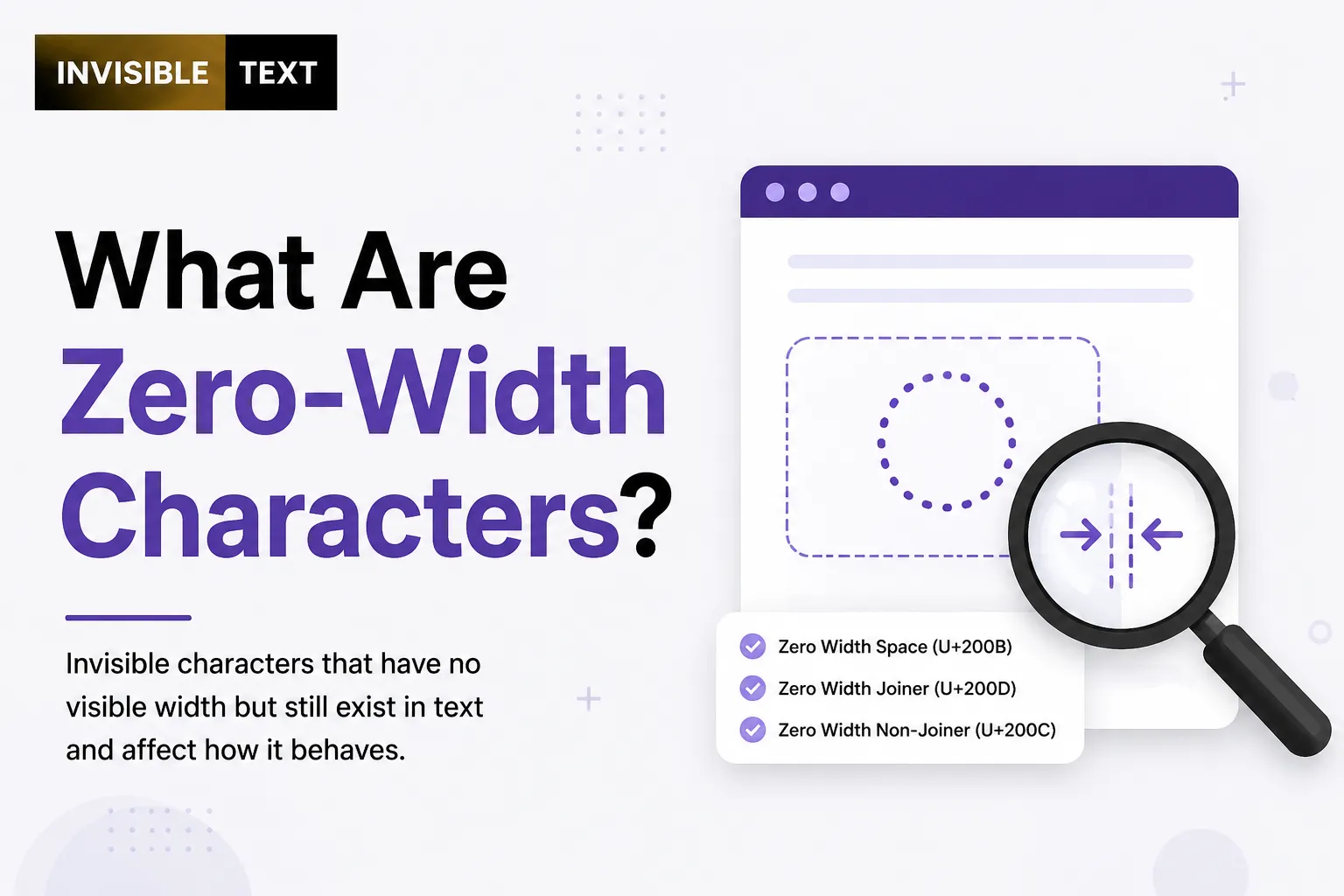
Zero-width characters are Unicode characters that take up no visible space on the screen. Unlike a normal letter or space, they don’t display anything when you type them.
Even though they’re invisible, computers can still detect them because they are real characters stored in the text.
Think of them like silent instructions hidden inside a sentence. People usually can’t see them, but software can read and process them.
Some of the most common zero-width characters include:
| Character | Unicode | Purpose |
|---|
| Zero Width Space | U+200B | Allows optional line breaks |
| Zero Width Non-Joiner | U+200C | Prevents letters from joining |
| Zero Width Joiner | U+200D | Joins characters together |
| Word Joiner | U+2060 | Prevents unwanted line breaks |
These characters are part of the Unicode Standard, which provides a consistent way to represent text across different devices and languages.
Why Are Zero-Width Characters Important?
You may never notice them, but many digital systems depend on zero-width characters.
They help:
- Support complex writing systems
- Control how text appears
- Improve line wrapping
- Build certain emoji combinations
- Separate text without adding visible spaces
- Create invisible formatting markers
Without them, many languages and emoji would not display correctly.
How Do Zero-Width Characters Work?
A normal character has both:
- A Unicode value
- A visible shape
A zero-width character only has the Unicode value.
For example:
HelloWorld and HelloWorld
look almost identical.
The second version contains a Zero Width Space between “Hello” and “World.”
Your eyes don’t notice it, but software can.
Types of Zero-Width Characters
Zero Width Space (U+200B)
This invisible character lets a line break at a certain point without showing a visible space.
It’s useful for:
- Long URLs
- Large words
- Programming
- Text formatting
Zero Width Non-Joiner (U+200C)
This character tells certain writing systems not to connect letters.
It is commonly used in languages like:
Without it, words may display incorrectly.
Zero Width Joiner (U+200D)
This character joins nearby characters together.
One well-known example is emoji.
Many family emojis, profession emojis, and gender-specific emojis rely on the Zero Width Joiner.
Example:
👨 + ❤️ + 👨= 👨❤️👨
without showing the joining character itself.
Word Joiner (U+2060)
The Word Joiner prevents text from breaking into multiple lines.
Unlike a regular space, it keeps words together.
Where Are Zero-Width Characters Used?
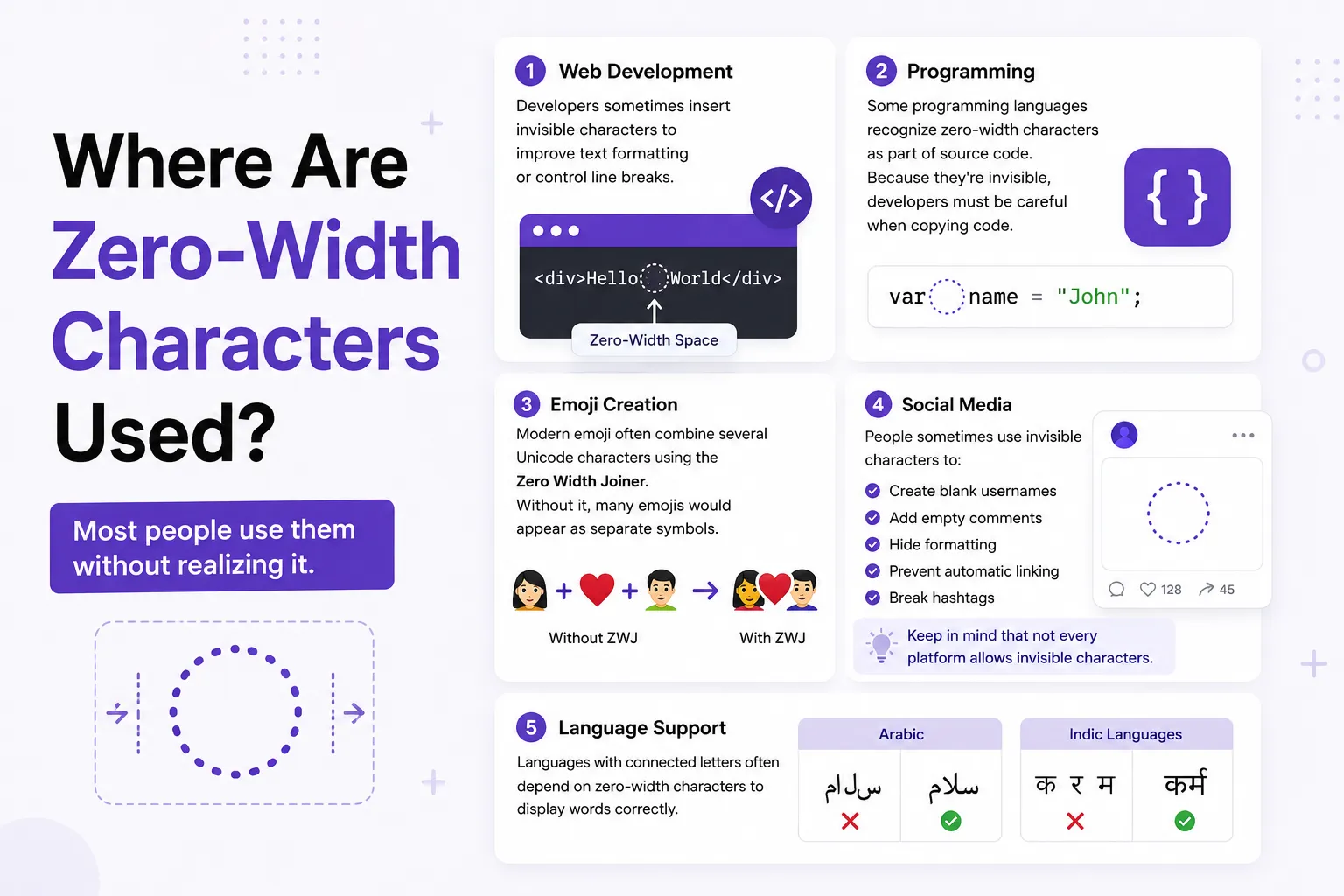
Most people use them without realizing it.
Common uses include:
Web Development
Developers sometimes insert invisible characters to improve text formatting or control line breaks.
Programming
Some programming languages recognize zero-width characters as part of source code.
Because they’re invisible, developers must be careful when copying code.
Emoji Creation
Modern emoji often combine several Unicode characters using the Zero Width Joiner.
Without it, many emojis would appear as separate symbols.
People sometimes use invisible characters to:
- Create blank usernames
- Add empty comments
- Hide formatting
- Prevent automatic linking
- Break hashtags
Keep in mind that not every platform allows invisible characters.
Language Support
Languages with connected letters often depend on zero-width characters to display words correctly.
Who Should Use Zero-Width Characters?
They are useful for:
- Developers
- Designers
- Content creators
- Social media users
- Language experts
- Unicode learners
- Website owners
- Students studying text encoding
Most casual users only need them for special situations.
Benefits of Zero-Width Characters
Some key advantages include:
- Invisible formatting
- Better support for many languages
- Cleaner text layout
- Proper emoji rendering
- Optional line breaks
- Small file size
- Better Unicode compatibility
Limitations of Zero-Width Characters
Although useful, they also have drawbacks.
They Can Be Confusing
Because they’re invisible, people may not know they’re present.
Some websites automatically remove invisible characters.
Others block them entirely.
They Can Cause Copy-and-Paste Problems
Hidden characters sometimes create unexpected issues in code, passwords, or documents.
They May Be Used for Spam
Some users insert invisible characters to bypass filters or hide text.
Many online platforms actively detect and remove this behavior.
Conclusion
Zero-width characters may be invisible, but they play an important role in digital text. They help languages display correctly, allow complex emoji combinations, improve line wrapping, and support special formatting. At the same time, they can cause confusion if they’re copied into code, passwords, or documents without notice.
If you’re new to Unicode, the best approach is to learn what each zero-width character does and use it only when needed. A basic understanding can help you avoid hidden formatting problems while making better use of modern text systems.