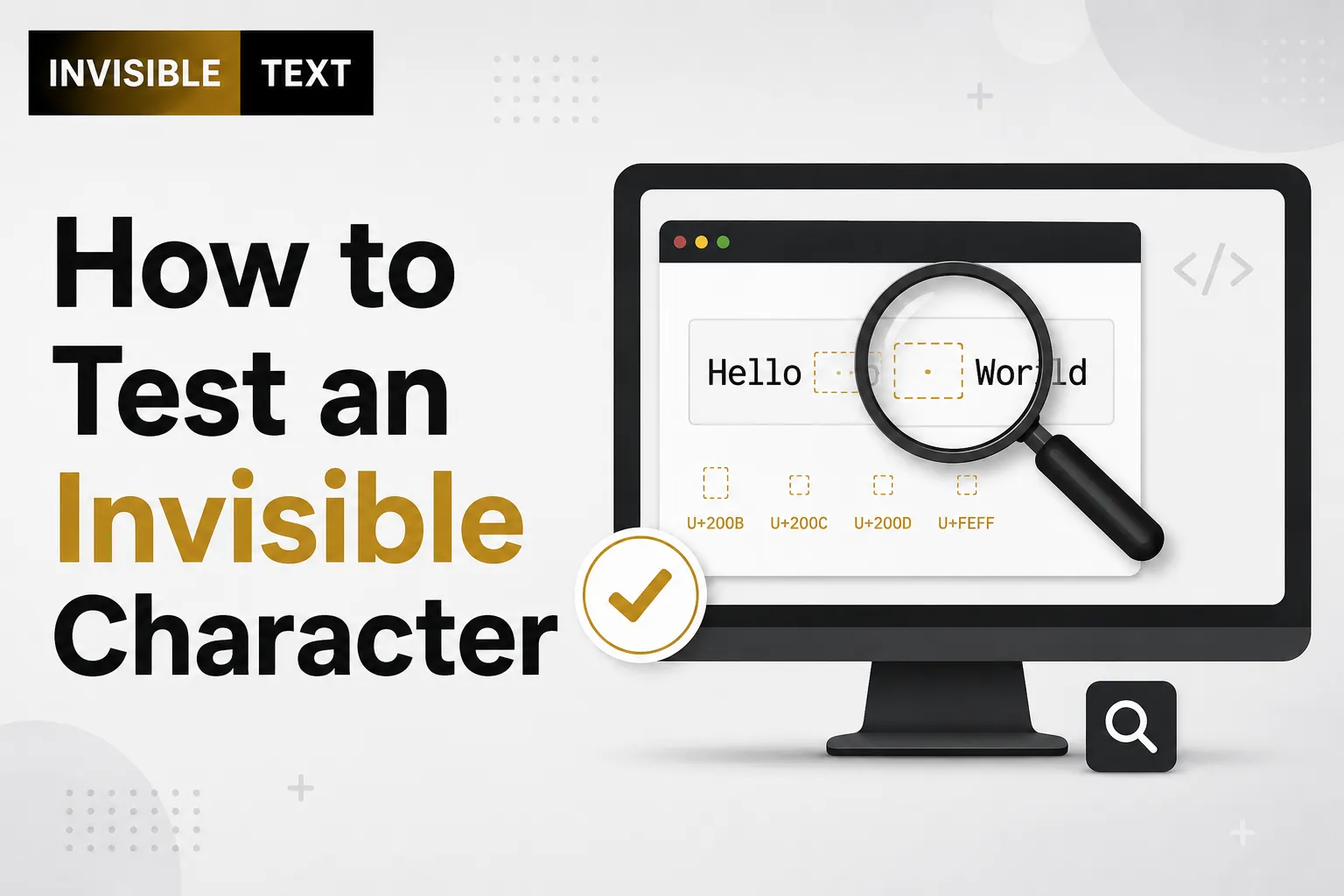
Have you copied an invisible character and wondered if it actually worked? Since invisible characters have no visible appearance, it’s impossible to confirm them just by looking at the screen. This often leaves people confused when using them in usernames, social media posts, messages, or online forms.
The good news is that testing an invisible character is simple. You don’t need special software or technical knowledge. A few quick checks can tell you whether the character is still there or if a website has removed it. In this guide, you’ll learn several reliable ways to test an invisible character, understand why some platforms reject it, and avoid common mistakes that prevent it from working correctly.
What Is an Invisible Character?
An invisible character is a Unicode character that has no visible shape but still exists within the text.
Unlike a regular letter or space, it doesn’t appear on the screen. However, computers, browsers, and applications can still detect and process it. Some common invisible characters include:
- Zero Width Space (U+200B)
- Zero Width Non-Joiner (U+200C)
- Zero Width Joiner (U+200D)
- Word Joiner (U+2060)
These characters are often used for text formatting, language support, emoji combinations, and blank-looking usernames.
Why Should You Test an Invisible Character?
Testing helps confirm that the invisible character was copied and pasted successfully.
It also helps you determine whether:
- The character still exists after pasting.
- The website accepts hidden Unicode characters.
- The platform automatically removes invisible text.
- The copied character is valid.
Without testing, it’s difficult to know whether the invisible character actually worked.
Things You Need Before Testing
Before you begin, make sure you have:
- A trusted invisible character.
- A text editor or notes app.
- A browser.
- A website or text field for testing.
- An optional character counter for extra confirmation.
Method 1: Paste Between Two Words
This is one of the easiest ways to test an invisible character.
Type:
HelloWorld
Now paste the invisible character between the two words.
Hello[Invisible Character]World
The text will still appear as:
HelloWorld
Although nothing changes visually, the invisible character is stored inside the text.
Method 2: Move the Cursor
After pasting the invisible character:
- Place the cursor before it.
- Press the Right Arrow key once.
If the cursor moves one position without showing a visible character, the invisible character is likely present.
This method works in many text editors.
Method 3: Press Backspace
Paste the invisible character into a text editor.
Now press Backspace once.
If one invisible character is removed even though nothing appeared on the screen, the test was successful.
Method 4: Check the Character Count
Many online character counters detect invisible Unicode characters.
Steps:
- Copy the invisible character.
- Paste it into a character counter.
- Check the total number of characters.
If the counter reports one or more characters while the text looks empty, the invisible character exists.
Method 5: Paste Into Different Applications
Try pasting the invisible character into:
- Notepad
- Notes app
- Word document
- Code editor
- Online text editor
If it works in one application but not another, the issue is likely platform compatibility rather than the character itself.
Method 6: Test It on Multiple Websites
Some websites support invisible Unicode characters, while others remove them.
Try testing it in:
- Username fields
- Chat applications
- Social media profiles
- Comment sections
- Search boxes
- Online forms
If one website removes the character but another accepts it, the website is applying its own filtering rules.
Method 7: Compare Text Length
Paste the invisible character into an empty document.
Now compare:
- Empty document
- Document containing only the invisible character
Even though both appear empty, the second contains one Unicode character.
Many text editors display the difference through the character count.
How Do Invisible Characters Work?
Invisible characters are Unicode code points with no visible width.
Although they cannot be seen, they remain part of the text and can:
- Control line breaks.
- Join or separate characters.
- Help display certain languages correctly.
- Create combined emoji.
- Store hidden formatting instructions.
They behave like normal text even though they don’t display visible symbols.
Why an Invisible Character May Fail the Test
Sometimes the invisible character disappears after pasting.
Common reasons include:
- The website blocks invisible Unicode.
- The clipboard didn’t copy correctly.
- The browser removed hidden characters.
- A visible space was copied instead.
- The application automatically cleans pasted text.
Testing on another platform usually helps identify the cause.
Signs That an Invisible Character Is Working
Here are some clues that the character is still present:
- The cursor pauses while moving.
- Backspace deletes something invisible.
- The character count increases.
- Text editors detect hidden Unicode.
- The website accepts what appears to be an empty field.
Conclusion
Testing an invisible character is simple once you know what to look for. Since these Unicode characters cannot be seen, you need other ways to confirm they’re present. Checking the character count, moving the cursor, pressing Backspace, or testing on different platforms are all reliable methods.
Remember that not every website supports invisible characters. If one platform removes them, another may accept them without any problem. By following the methods in this guide, you can quickly confirm whether your invisible character is truly invisible and working as expected.