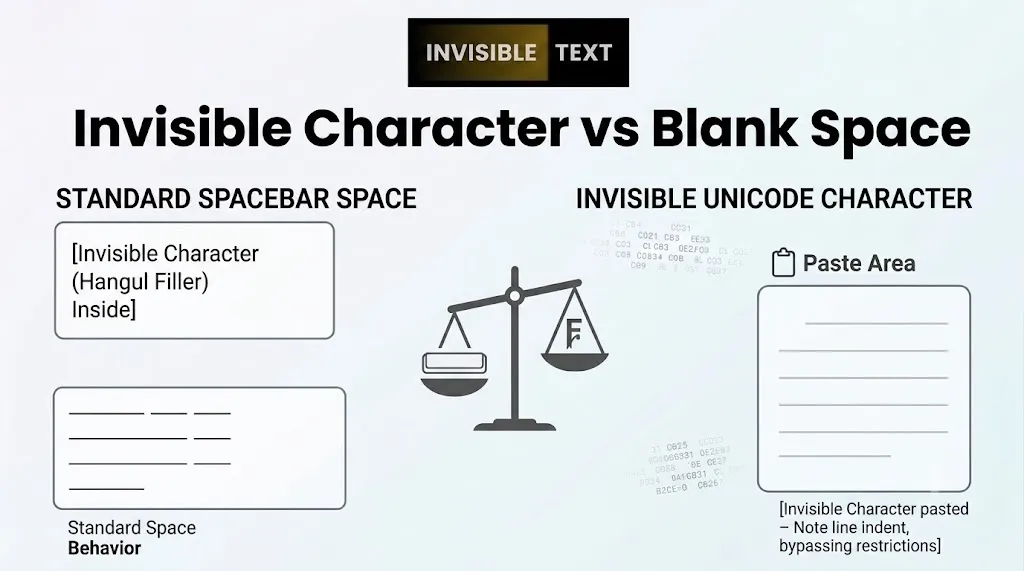
At first glance, an invisible character and a blank space seem exactly the same. Both appear as empty areas on your screen, making it easy to assume they work in the same way. However, there is an important difference between them. A blank space is the regular spacing character created when you press the spacebar on your keyboard, while an invisible character is a special Unicode character that remains hidden but is still recognized as text by many systems and applications.
This difference affects how websites, messaging apps, games, and social media platforms handle them. Understanding how each one works can help you choose the right option for tasks such as writing text, sending blank messages, or creating invisible usernames and display names.
What Is a Blank Space?
A blank space is the standard space you create by pressing the spacebar on your keyboard.Its main purpose is to separate words and make text easier to read. The gap between the two words is a regular blank space.Blank spaces are used every day in emails, documents, websites, and messages.
Common Uses of Blank Spaces
- Separating words in a sentence
- Improving readability
- Formatting paragraphs and text
- Creating clear and organized content
What Is an Invisible Character?
An invisible character is a special Unicode character that does not show any visible symbol on the screen. Even though it looks empty, it is still treated as a real character by many websites, apps, and systems.
Because of this, invisible characters can sometimes work in places where normal spaces are removed or ignored.
Common Uses of Invisible Characters
- Sending blank WhatsApp messages
- Creating invisible usernames
- Making empty game nicknames
- Using hidden profile names
- Adding invisible text where supported
Invisible Character vs Blank Space: The Main Difference
A blank space creates visible spacing between words, while an invisible character creates text that appears empty but still exists in the background. This is why a normal space and an invisible character often behave differently on websites and apps.
Invisible Character vs Blank Space Comparison Table
| Feature | Blank Space | Invisible Character |
|---|
| Created using the spacebar | Yes | No |
| Looks empty on the screen | Yes | Yes |
| Recognized as a text character | Yes | Yes |
| Used between words | Yes | No |
| Works for blank messages | No | Often Yes |
| Can create invisible usernames | No | Sometimes Yes |
| Automatically removed by some apps | Often Yes | Usually No |
| Used in everyday typing | Yes | Rarely |
Why Doesn’t a Normal Space Work for Blank Messages?
Most messaging apps remove spaces that do not contain actual text. For example, if you try to send a message that contains only spaces, the app may treat it as an empty message and stop it from being sent.
Invisible characters work differently because they are recognized as valid text characters rather than simple spacing. That is why they are often used for blank messages and invisible names.
Why Do Invisible Characters Work in Usernames?
Many websites and apps do not allow usernames that contain only spaces. If you enter a regular space, the platform may remove it automatically or show an error message. Invisible characters can sometimes bypass this limitation because they are treated as actual text input. However, support varies from one platform to another.
Are Invisible Characters and Blank Spaces Part of Unicode?
Yes. Both blank spaces and invisible characters are part of the Unicode standard. The difference is that a regular blank space is designed for separating words, while invisible characters are designed for special text handling and formatting purposes.
When Should You Use a Blank Space?
A blank space is the right choice when you want to:
- Separate words
- Write sentences normally
- Improve readability
- Format text correctly
For everyday writing and typing, a regular space is all you need.
When Should You Use an Invisible Character?
An invisible character is useful when you need text that appears empty but is still recognized as a character.
People commonly use them for:
- Blank WhatsApp messages
- Invisible social media names
- Empty game usernames
- Hidden profile names
Which One Should You Use?
The answer depends on your goal. If you want to write normal text, use a blank space. If you need text that looks empty but still counts as a character, use an invisible character. Both serve different purposes and are useful in different situations.
Frequently Asked Questions
Is an invisible character the same as a blank space?
No. A blank space is used to separate words, while an invisible character is a hidden Unicode character that can still be recognized as text.
Can I send a blank message using the spacebar?
No. Most apps remove regular spaces from empty messages. Invisible characters are often used instead.
No. Some apps and websites support them, while others block or remove them.
Can invisible characters be used in usernames?
Yes, some platforms allow invisible characters in usernames or display names, but support varies depending on the service.
Final Thoughts
Although invisible characters and blank spaces look identical on the screen, they work in very different ways behind the scenes. A blank space helps organize text and improve readability, while an invisible character creates text that appears empty but is still recognized by many systems and applications.
Knowing the difference can help you choose the right option for blank messages, invisible usernames, and other special use cases.