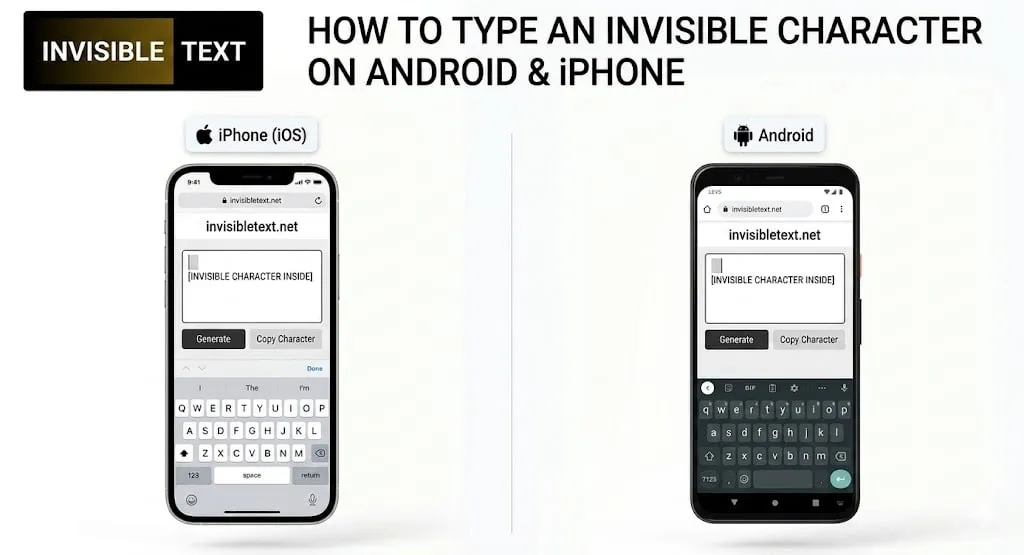
An invisible character is a blank character that does not appear on the screen but still works like regular text. Many people use them to create blank usernames, clean profile bios, unique gaming names, or empty-looking messages.
If you use a smartphone, you may wonder whether it is possible to type an invisible character directly on Android or iPhone. The answer is yes. With the right method, you can easily copy and use invisible text & characters on your mobile device.
What Is an Invisible Character?
An invisible character is a character that looks completely empty when placed in a text field. Even though you cannot see it, apps and websites can still recognize it as text.
This makes it useful when you want a blank appearance without leaving a field completely empty.
How to Type an Invisible Character on Android
Using an invisible character on Android is very simple.
- Open an invisible character tool in your mobile browser.
- Tap the Copy button.
- The invisible character will be saved to your clipboard.
- Open the app, game, or website where you want to use it.
- Tap and hold inside the text box.
- Select Paste.
Where Can Android Users Use Invisible Characters?
- Social media usernames
- Profile bios
- Messaging apps
- Gaming nicknames
- Comment sections
- Online forms
How to Type an Invisible Character on iPhone
The steps for iPhone users are also very easy.
- Open an invisible character tool in Safari.
- Tap the Copy button.
- The character will be copied automatically.
- Open the app where you want to use it.
- Tap and hold inside the text field.
- Select Paste.
[Image: iPhone screenshot showing the paste option after copying an invisible character]
Where Can iPhone Users Use Invisible Characters?
- Instagram bios
- TikTok profiles
- Gaming usernames
- Messaging apps
- Social media profiles
- Registration forms
Why Doesn’t the Character Appear After Pasting?
Many users think something went wrong because they cannot see any text after pasting.
This is completely normal. Invisible characters are designed to remain hidden while still being recognized by the platform.
Common Problems and Solutions
The Character Is Not Working
Some apps and websites block invisible characters.
The Character Looks Like a Normal Space
Make sure you copied a real invisible character and not a regular keyboard space.
Nothing Shows Up After Pasting
This is expected because invisible characters are meant to stay hidden even you contact us.
Final Thoughts
Typing an invisible character on Android or iPhone is quick and easy. Simply copy the character from a trusted tool and paste it into the app, game, or website where you want to use it.
Whether you want a blank username, a clean profile bio, or an empty-looking message, invisible characters provide a simple solution that works on many mobile platforms.