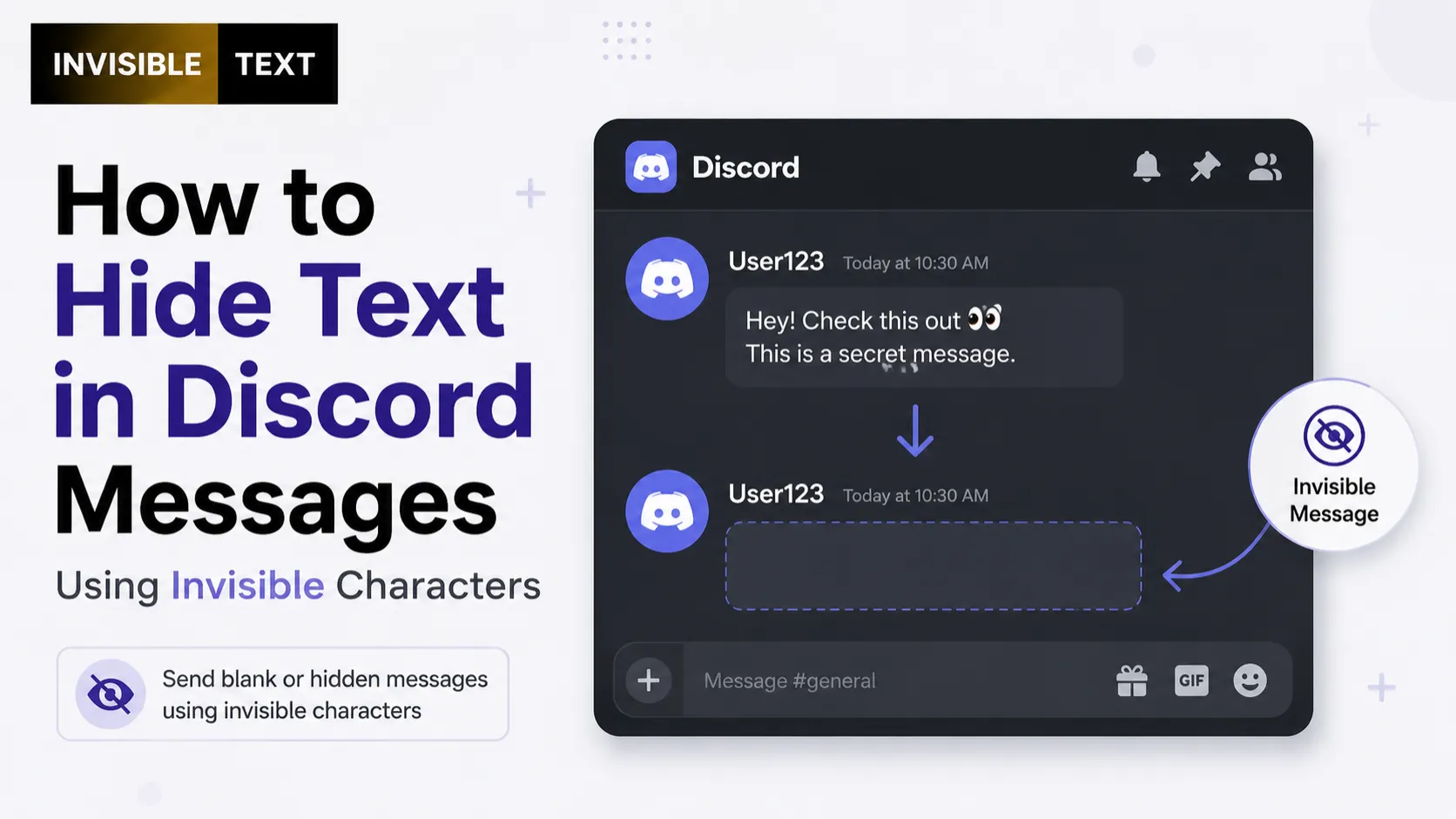
Have you ever seen what looks like a blank message on Discord and wondered how someone sent it? The answer is often invisible text. By using certain Unicode characters, you can create messages that appear empty while still containing hidden text data. This trick is popular for fun messages, formatting experiments, and creating spacing effects in Discord chats.
However, not every invisible character works the same way. Discord may accept some Unicode characters while filtering out others. In this guide, you’ll learn how to hide text in Discord messages using invisible text, how it works, its limitations, common mistakes, and the best practices for using it responsibly.
What Is Invisible Text?
Invisible text is made from Unicode characters that have no visible appearance on the screen.
Although these characters look empty, they still exist in the message. Discord and other applications can read them as valid Unicode characters.
Common invisible characters include:
- Zero Width Space (U+200B)
- Zero Width Non-Joiner (U+200C)
- Zero Width Joiner (U+200D)
- Word Joiner (U+2060)
These characters are often used for text formatting, emoji combinations, and blank-looking messages.
Can You Hide Text in Discord Messages?
Yes, but there are limits. Discord supports Unicode, so some invisible characters can be included in messages. However, invisible text does not encrypt or truly hide your message from others. It simply makes certain characters invisible. If your goal is privacy, invisible text is not a secure solution.
Why Do People Use Invisible Text on Discord?
People use invisible text for different reasons, including:
- Sending blank-looking messages
- Creating unique message formatting
- Making creative server announcements
- Adding spacing between text sections
- Testing Unicode characters
- Creating fun chat effects
Most uses are harmless, but it’s important to follow Discord’s community guidelines.
How to Hide Text in Discord Messages
Follow these simple steps.
Step 1: Copy an Invisible Character
Start by copying a trusted invisible Unicode character.
Be careful not to copy extra spaces or line breaks.
Step 2: Open Discord
Launch Discord on:
- Windows
- Mac
- Android
- iPhone
- Web browser
The process works similarly across devices.
Step 3: Paste the Invisible Text
- Click inside the message box.
- Paste the invisible character where you want the blank area to appear.
- If Discord accepts the character, the message will appear empty or nearly empty.
Step 4: Send the Message
- Press Enter or tap Send.
- If nothing appears after sending, your invisible text works.
- If Discord removes the character, try another supported Unicode character.
How to Check Whether It Worked
You can confirm the invisible text by:
- Editing the message
- Moving the cursor through the text
- Copying the message
- Checking the character count in another editor
If hidden Unicode remains, the invisible text was successfully sent.
Where Can You Use Invisible Text in Discord?
Invisible text may work in:
- Direct Messages (DMs)
- Server chats
- Private channels
- Group conversations
- Community servers
Support can vary depending on Discord updates and moderation settings.
Conclusion
Using invisible text in Discord messages is a simple way to create blank-looking messages or add creative formatting. Since Discord’s handling of Unicode can change, it’s always a good idea to test your invisible character before relying on it.
Remember that invisible text is meant for visual effects, not security. Use it responsibly, respect server rules, and avoid using hidden characters in ways that could confuse or mislead others.