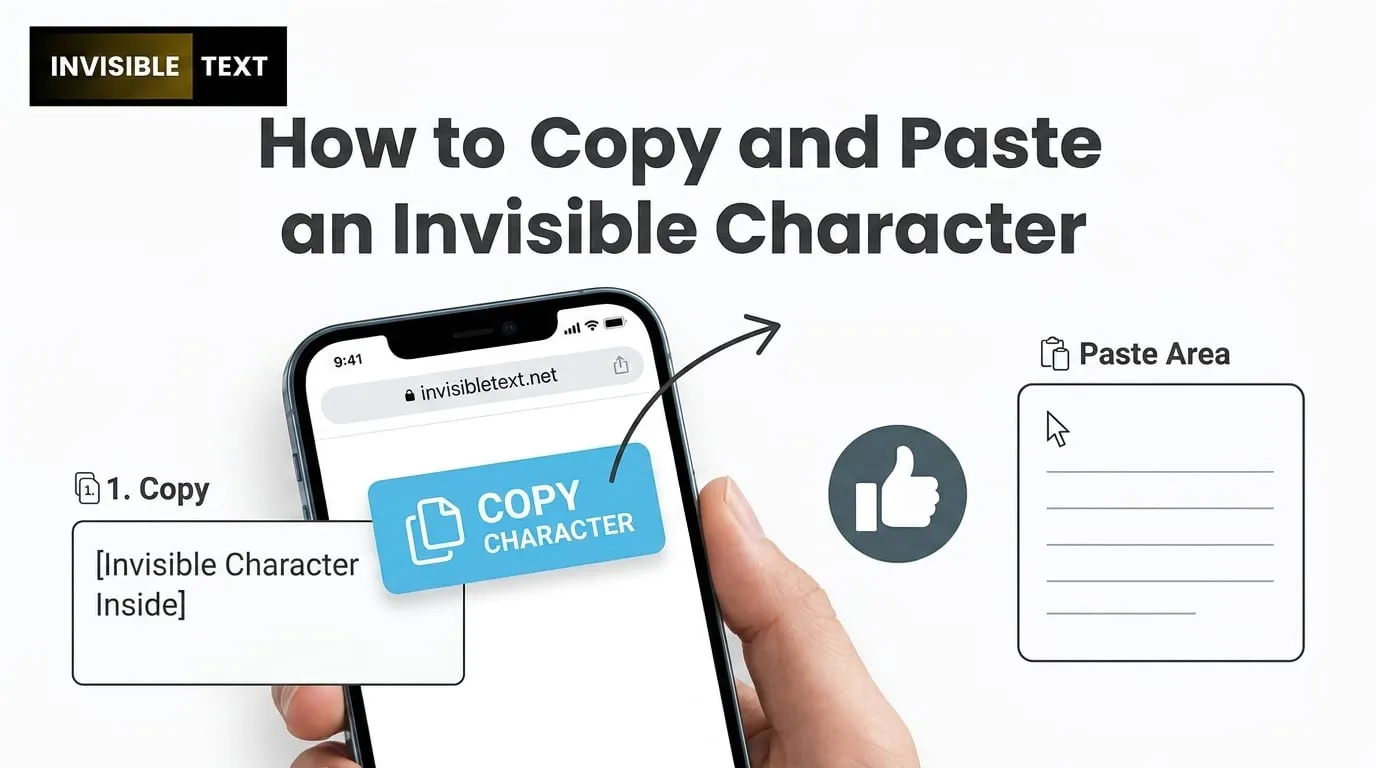
Invisible characters are special text symbols that look completely blank on screen but still exist in digital form. These characters are used in many apps, games, and social platforms where normal spaces are not accepted or where users want a clean, minimal look in usernames or text fields. Even though they are not visible, the system still reads them as valid characters.
In this guide, you will learn in a very simple way how to copy and paste an invisible character without confusion or technical difficulty.
What Is an Invisible Character?
An invisible character is a hidden Unicode symbol that behaves like text but does not appear visually. It is not the same as pressing the spacebar on your keyboard. A normal space is visible in structure, but an invisible character has no visible shape at all.
Even though it looks empty, it still works like a real character inside systems, which is why platforms detect it and allow it in certain fields.
Why People Use Invisible Characters
Invisible characters are widely used because many platforms have restrictions on empty fields or require at least one character in usernames and bios.
People use them for different practical and creative reasons:
-
Creating blank or unique usernames
-
Making clean and minimal social media bios
-
Sending empty-looking messages in chats
-
Designing aesthetic profiles
-
Using them in games for special name effects
-
Bypassing “required text” limitations in forms
This makes invisible characters useful for both personal customization and styling purposes.
How to Copy an Invisible Character Step by Step
Copying an invisible character is very easy if you follow these simple instructions carefully.
First, open the website and wait for the tool to load. On the page, you will usually see a button or a blank box that contains the invisible character option. When you click the copy button, the character is automatically copied into your device clipboard.
There is no need to highlight anything manually or select text because the tool does all the work for you in one click.
How to Paste Invisible Character Anywhere
After copying, you can use the invisible character in any supported text field.
You can paste it in:
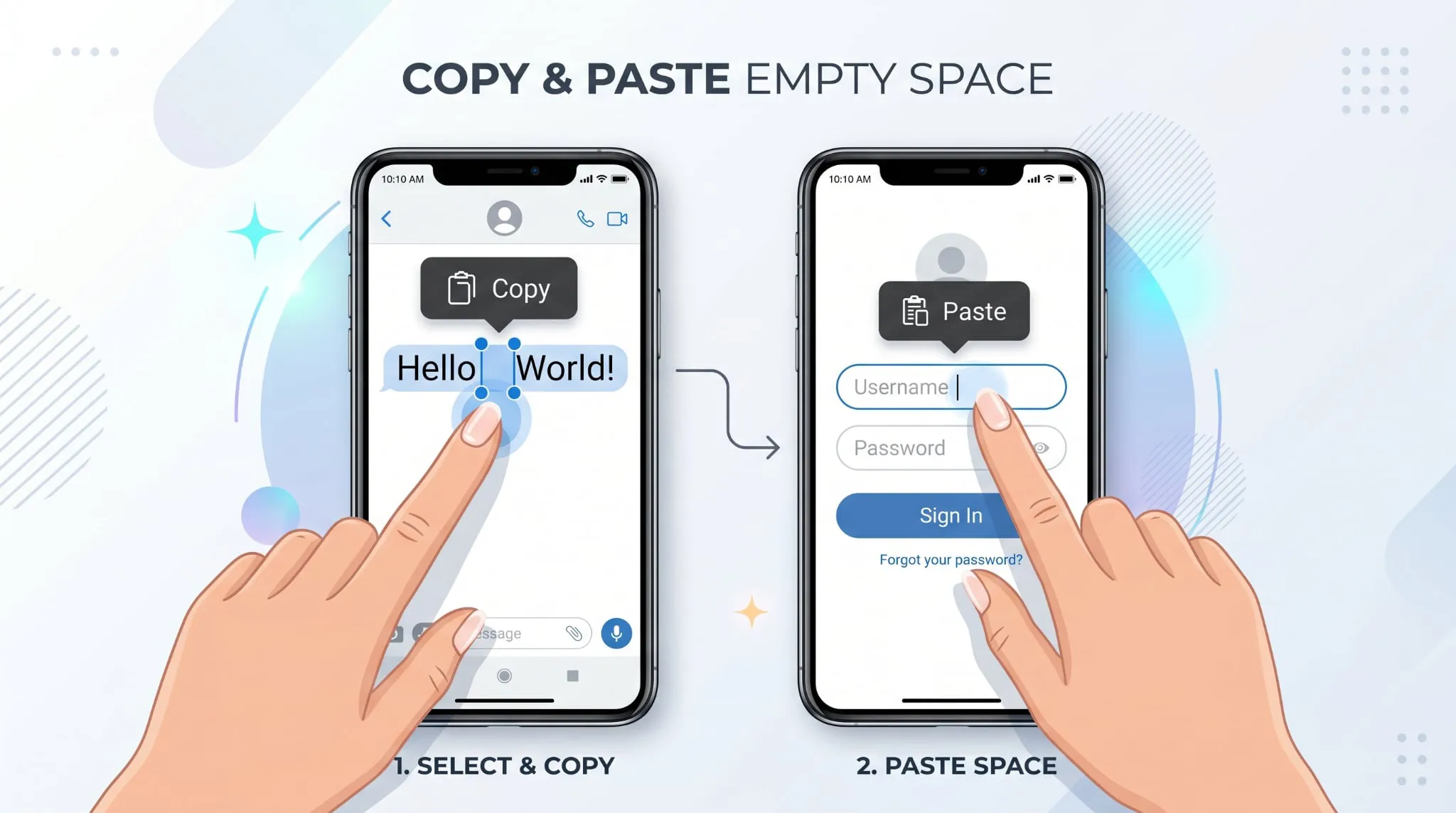
To paste it, simply use Ctrl V on a computer or long press and select paste on a mobile device. Even though nothing appears on the screen, the invisible character is still inserted successfully.
Why It Sometimes Looks Like Nothing Is Happening
Many users get confused because after pasting, nothing is visible. This is completely normal because the character is designed to stay hidden. If the platform accepts it, it means the invisible character has been successfully added.
In some cases, the platform may not allow it, especially if there are restrictions on special characters or empty inputs.
Common Issues and Simple Fixes
Sometimes users face small issues while utilizing invisible characters for different purposes. So any user can contact us freely.
If the character is not working, it usually means the platform has blocked it. In that case, you can try copying it again or using another similar tool from the same website.
If it appears like a normal space, it means you may have copied a standard keyboard space instead of a true invisible Unicode character.
If pasting does not show anything, remember that this is expected behavior because the character is meant to remain hidden.
Final Thoughts
Invisible characters are a simple but very useful trick for customizing usernames, bios, and text fields in a creative way. With tools like InvisibleText.net, anyone can copy and use them within seconds without any technical knowledge.
They are especially helpful for users who want clean formatting, unique identity styling, or empty-looking text effects on different platforms.